Search anywhere
Find the roles that fit.
Browse a ranked list of roles that fit your background, wherever you happen to be.
Seeker for iPhone
Search jobs, review matches, and explore Seeker directly from your iPhone.
Free during beta · iPhone · No account required
Encrypted local storage with BlazeDB
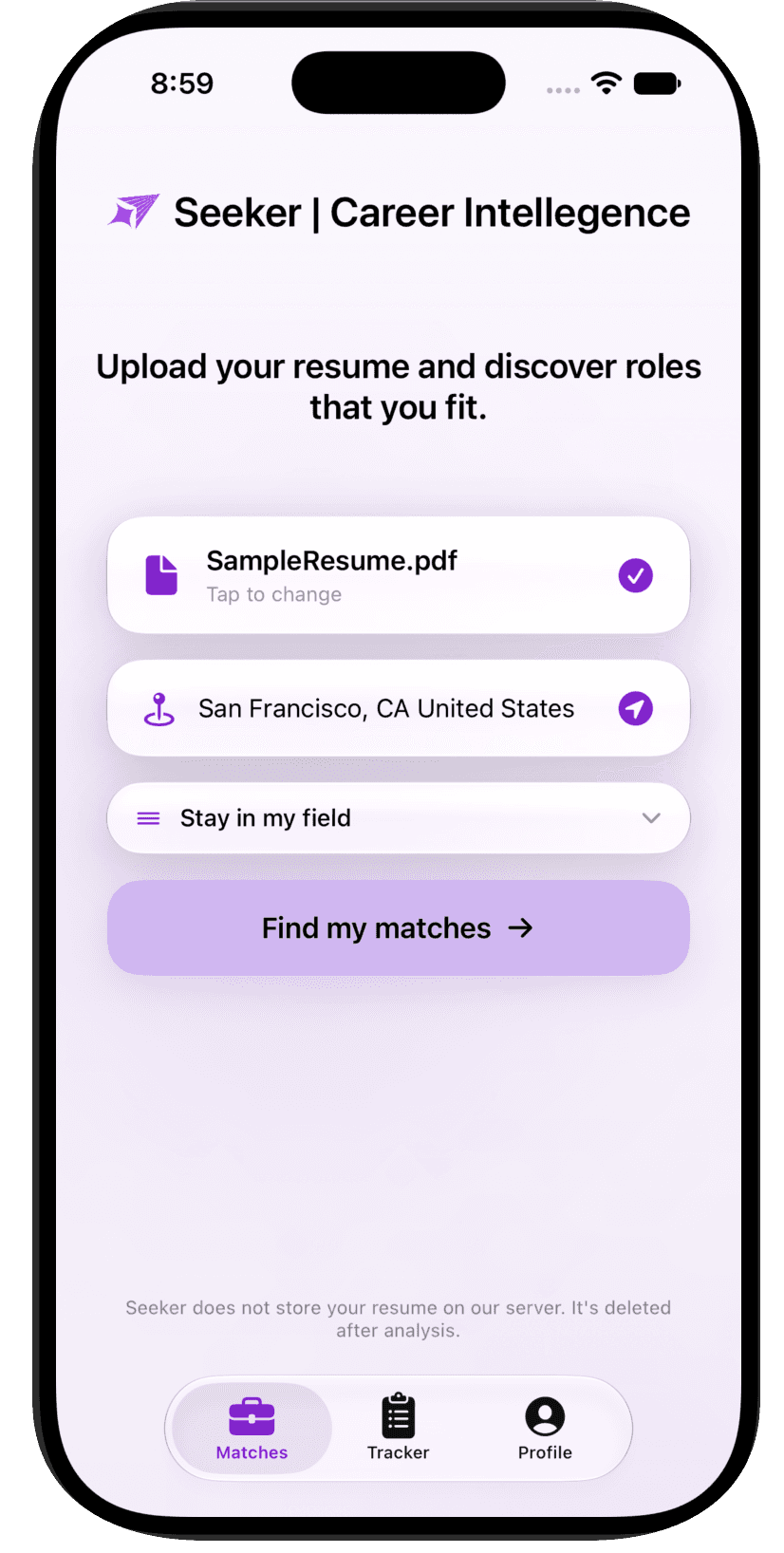
Seeker in motion
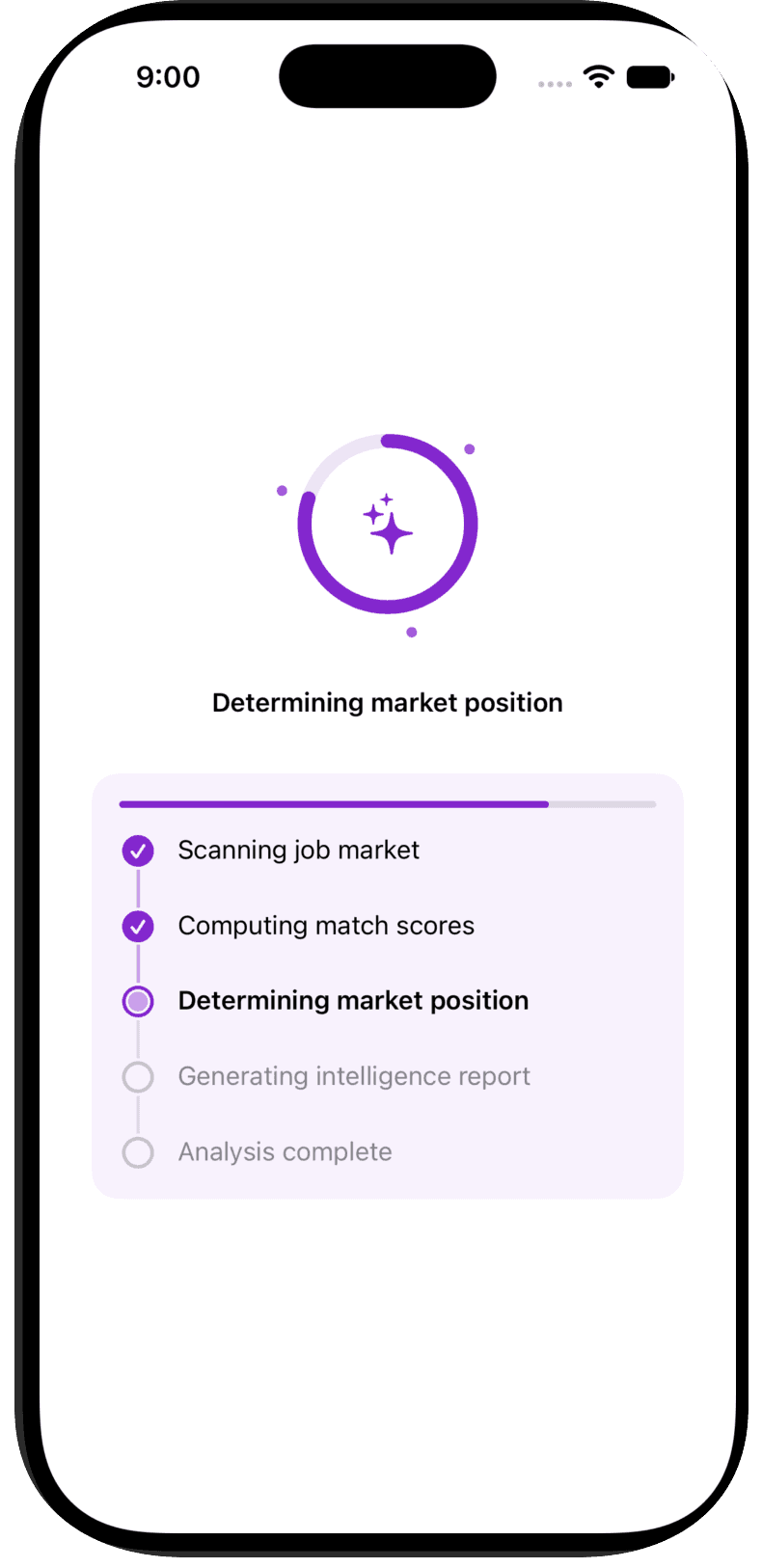
See progress
Follow each step while Seeker finds and scores relevant roles.
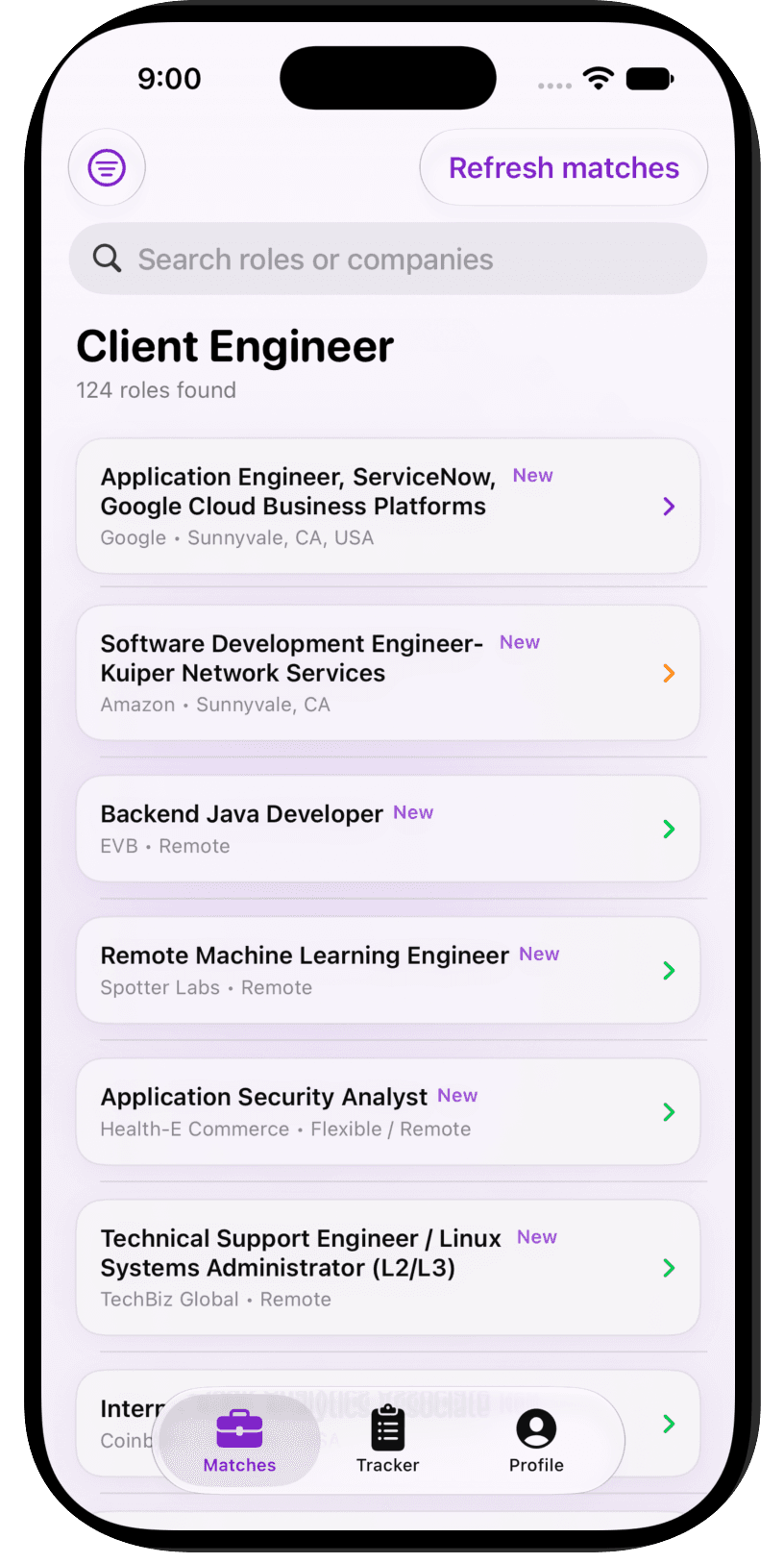
See what fits
Browse ranked roles and search across your matches from anywhere.
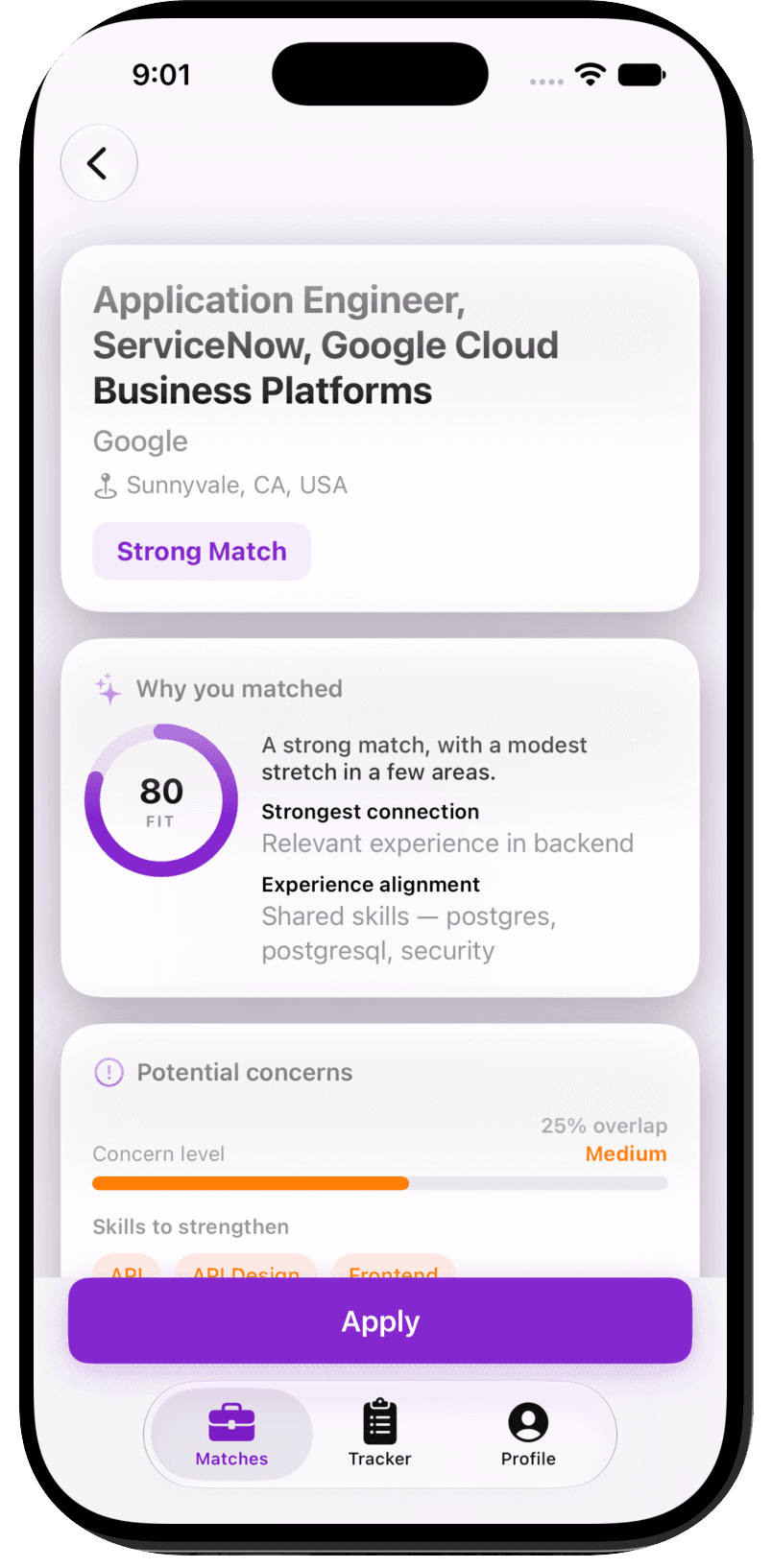
Understand the job
Review fit, matching evidence, and potential gaps before you apply.
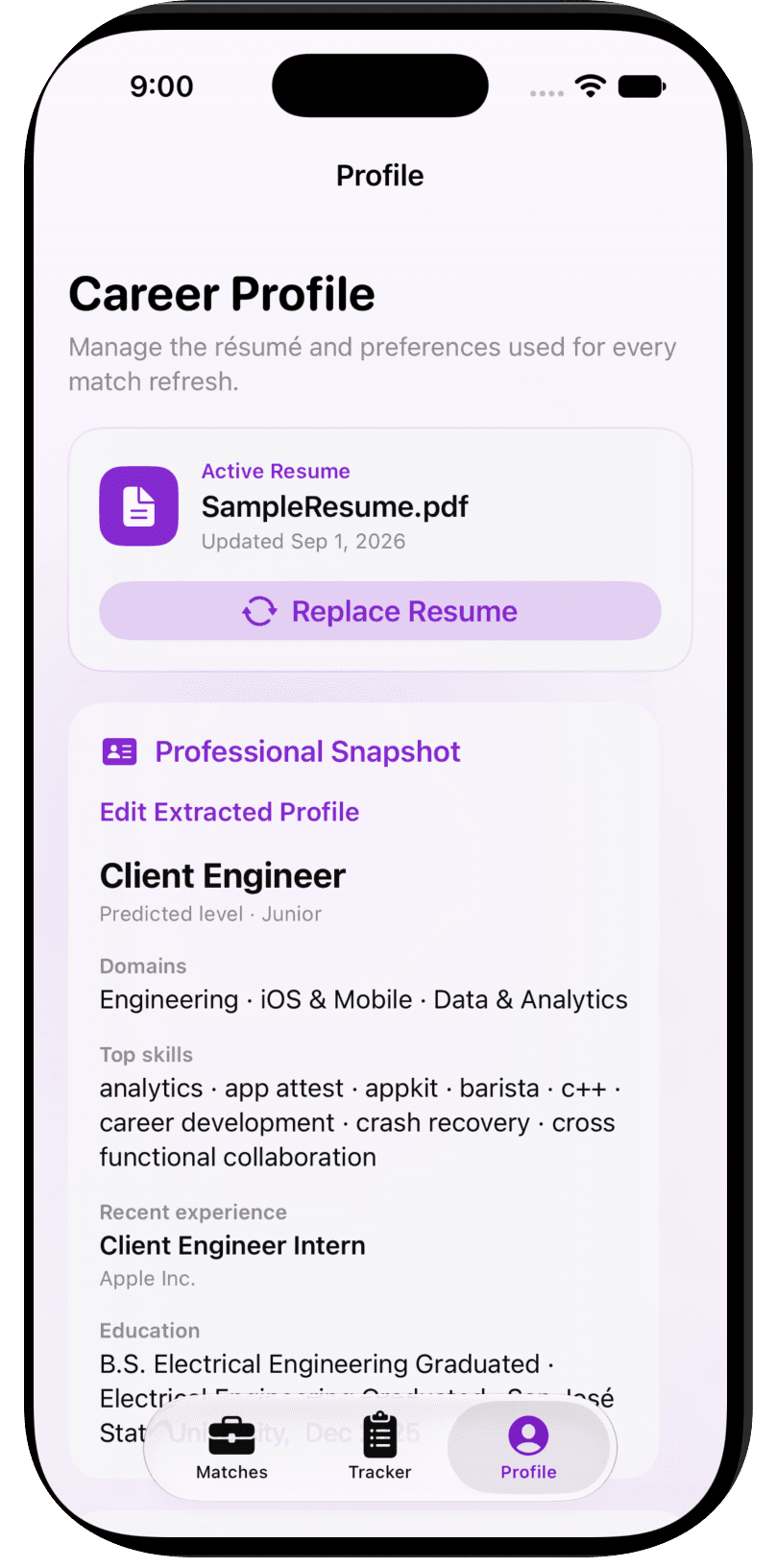
Keep your profile current
Manage the resume and preferences that guide your matches.
On-device privacy
Your active résumé, extracted profile, and saved matches are stored locally in an encrypted BlazeDB database on your iPhone.
Seeker reuses that on-device copy only when you choose to refresh your matches.
How it works
01
Open the TestFlight link and install Seeker.
02
No Seeker account is required right now.
03
Browse jobs and use the mobile experience immediately.
Currently in beta
Seeker for iPhone is an early beta. Features may change and you may encounter bugs. Feedback from beta testers helps shape the app.
Take Seeker with you.
Join the TestFlight Beta